


Capture & debug bugs
directly in your browser
Capture, inspect, and communicate bugs with automated DevTools telemetry, screen recording, and direct sync to your Google Drive.


See the latest BugSnap interface in action
Real screenshots from the current extension, visual editor, DevTools viewer, and team dashboard.
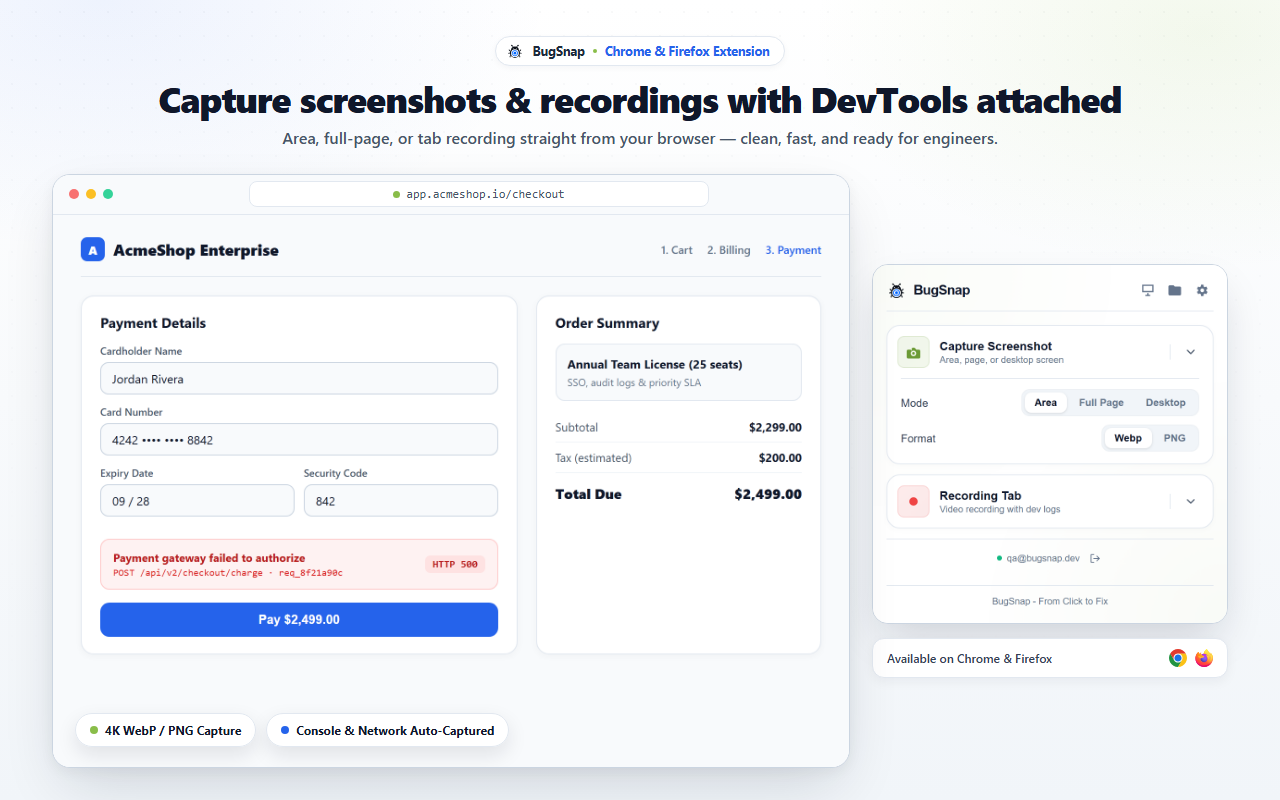
Capture screenshots or record browser tabs straight from Chrome and Firefox.
Set your own shortcuts in your browser. Take screenshots or record your screen from any tab.
BugSnap lets you customize your shortcuts directly in your browser settings. You can even set them to Global mode to trigger BugSnap while using other desktop apps.

Take Screenshot
ConfigurableCapture current visible tab or selected window with automatic telemetry.

Start Screen Recording
ConfigurableRecord a screen, tab, or window with microphone audio and DevTools logs.

chrome://extensions/shortcutsScroll to BugSnap and click the pencil icon on Take Screenshot or Start Recording.
Press your preferred key combo. Change the dropdown to 'Global' to capture while using other apps.


Minimal Memory Footprint
Optimized to run in background with low resource usage, so it won't slow down your browser.

Passive Diagnostics
Automatically captures DevTools context, console logs, network logs, and system info when you report a bug.
Local-First Buffering
Your captures are stored locally first, then synced to Google Drive with your permission for better control.
Transparent Chrome Permissions
Only the permissions needed for core features. No hidden access. You're in control.
| Permission | Purpose | What We Do | Access |
|---|---|---|---|
| activeTab | Capture current tab | Access the active tab when you trigger a screenshot or recording. | Only when used |
| storage | Save local settings | Store your preferences and temporary data. | Local only |
| identity | Google Drive access | Authenticate with Google to save your captures to your own Google Drive. | Only when used |
| scripting | Inject content scripts | Enable capture, console, network, and page context collection. | Only on active tab |
| cookies (if enabled) | Include relevant context | Read specific cookies (optional) to help with debugging authentication issues. | Optional (off by default) |
Supported Browsers
BugSnap works on all major Chromium-based and modern browsers.

Frequently Asked Questions
Is the BugSnap Chrome Extension really free?
Yes. You can install and use the extension for free. All captures are saved to your own Google Drive. No server lock-in, no hidden fees.
Where are my recordings and screenshots saved?
Your captures are stored in your own Google Drive with your permission. You can organize them in any folder.
Does the extension store data on BugSnap's servers?
No. Files are saved directly to your Google Drive. We do not store your screenshots or recordings on our servers.
Do you support other browsers?
Yes. BugSnap supports Google Chrome and Mozilla Firefox, with all features working the same across supported browsers.
Start capturing bugs with DevTools telemetry
Install the BugSnap Chrome Extension and bring clarity to every bug report.